> ## Documentation Index
> Fetch the complete documentation index at: https://neverminedag-sync-api-errors-9d14109.mintlify.site/llms.txt
> Use this file to discover all available pages before exploring further.
# Get Your API Key
> Create a Nevermined API Key to start building and integrating with Nevermined
You need a **Nevermined API Key** to interact with the platform programmatically — whether through the SDKs, REST API, or CLI.
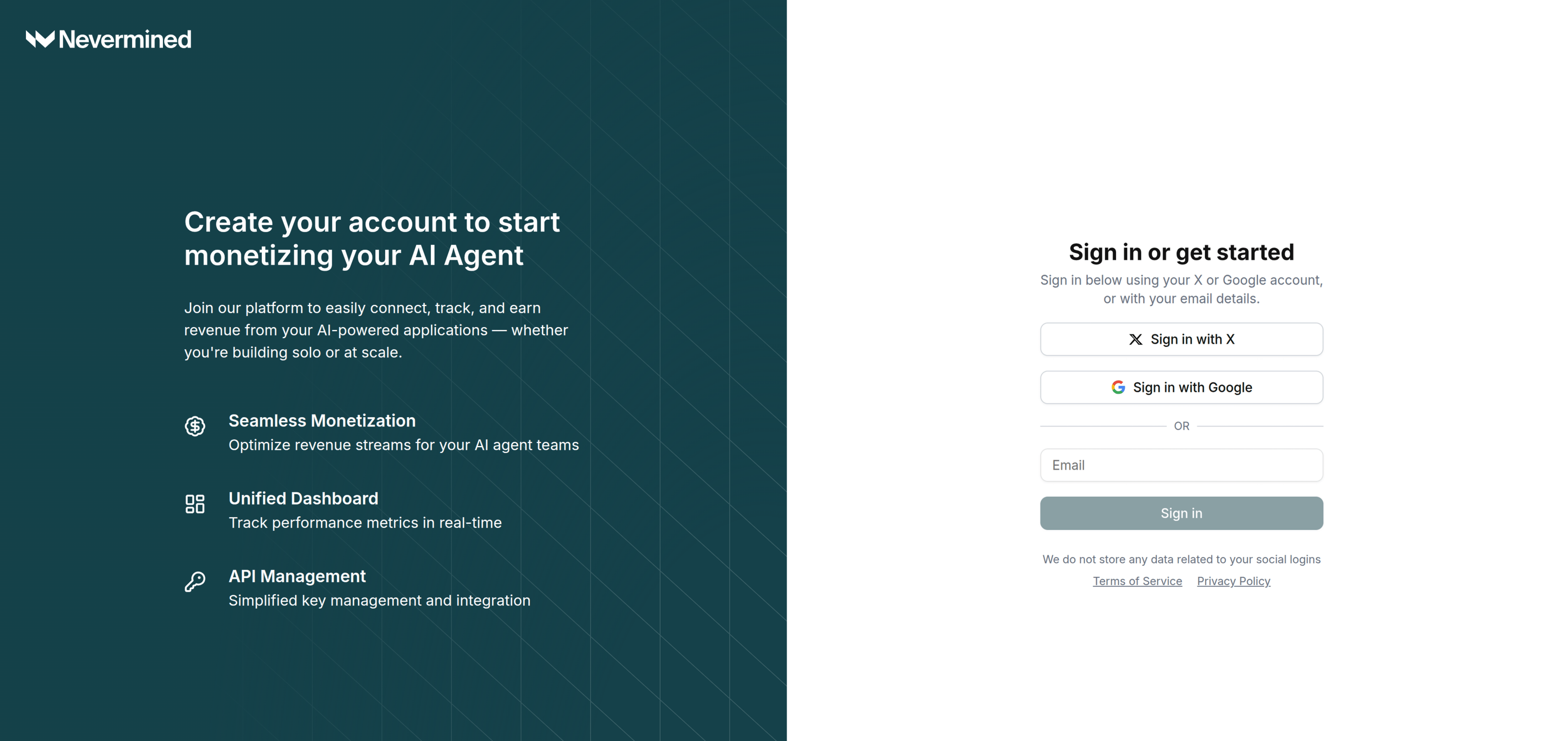
Open [nevermined.app](https://nevermined.app) and sign in with your account.
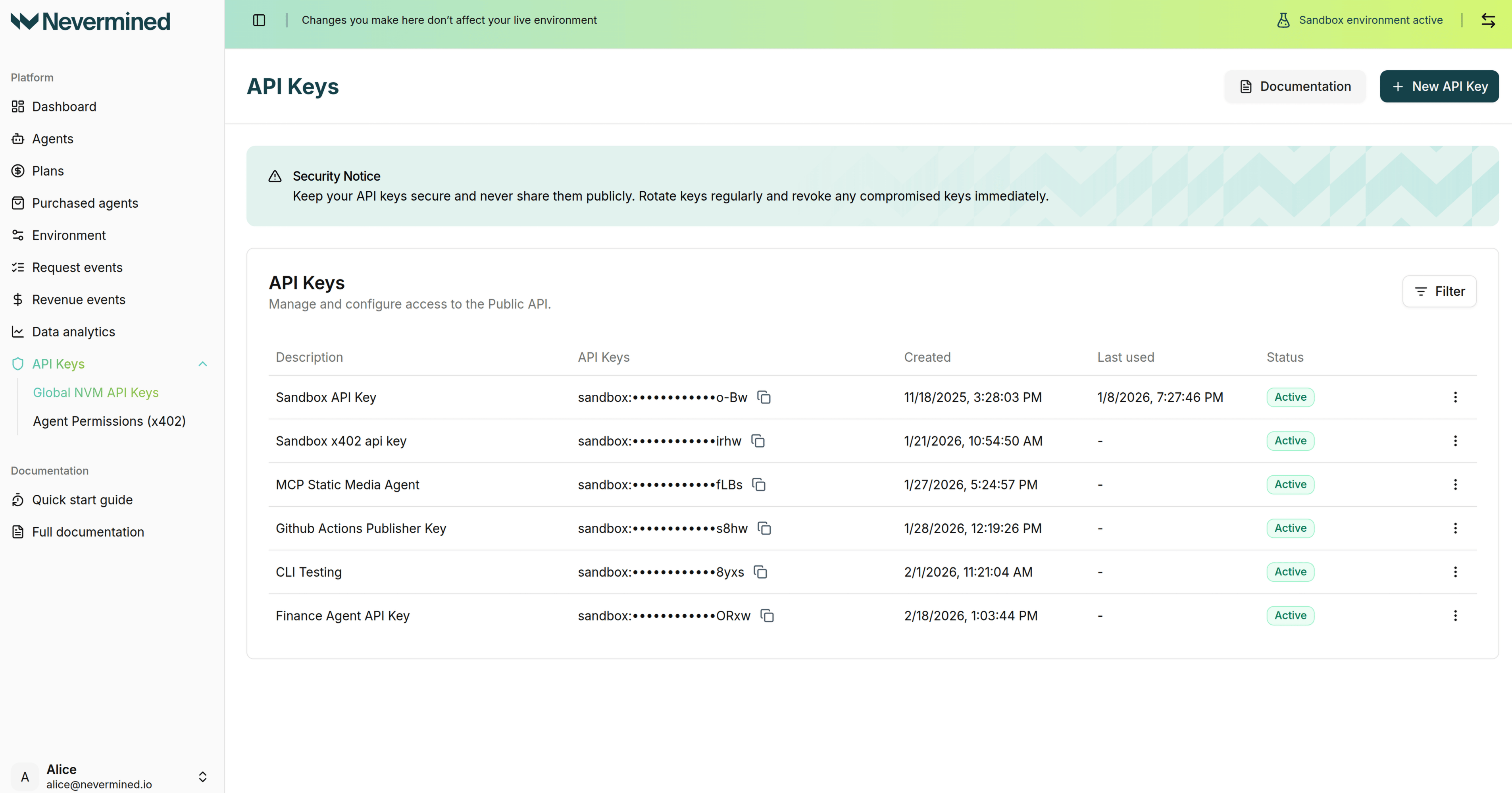
 Go to **Settings > Global NVM API Keys**.
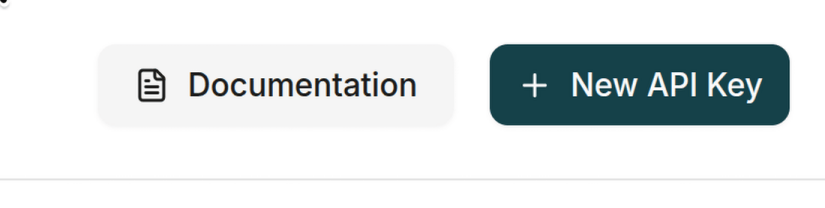
 Click the **+ New API Key** button.
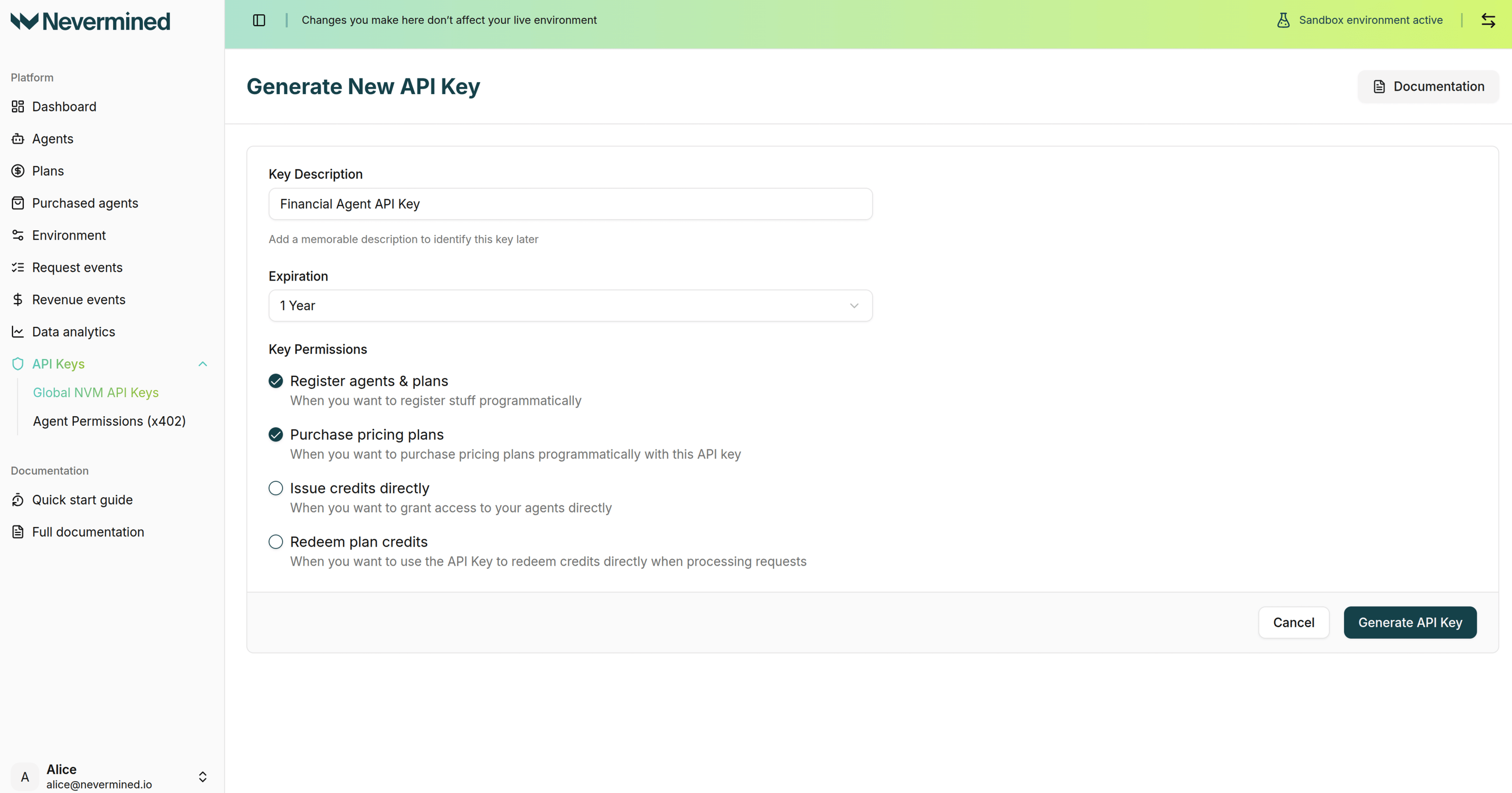
 Give your key a descriptive name, select the permissions you need, and click **Generate API Key**.
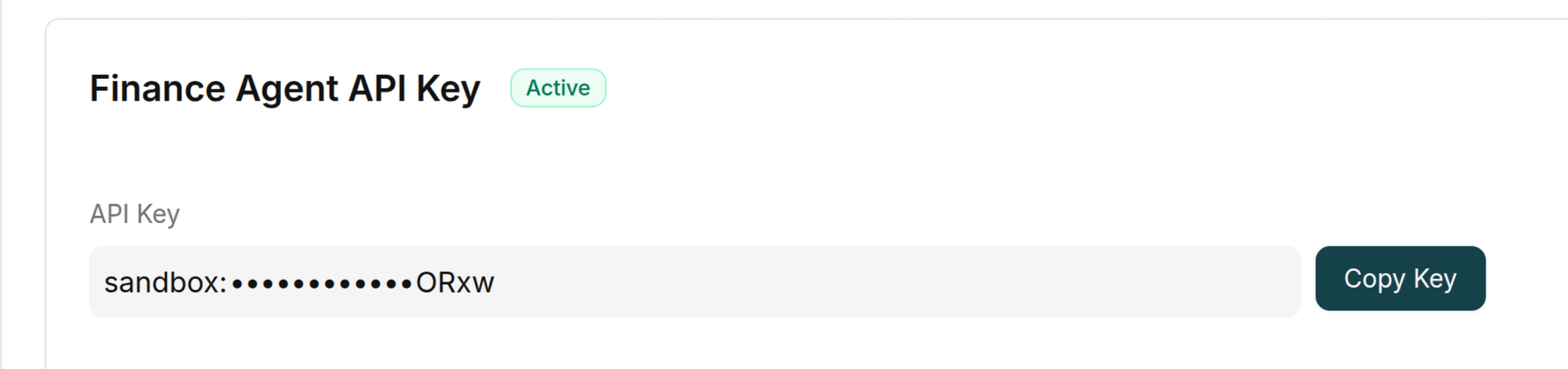
 Once created, click **Copy Key** to copy it to your clipboard. Store it securely as an environment variable:
```bash theme={null}
export NVM_API_KEY="sandbox:your-api-key-here"
```
API keys are environment-specific. Keys created in the **Sandbox** environment will start with `sandbox:`, and keys created in the **Live** environment will start with `live:`. Use a different API key for each environment, and set `NVM_ENVIRONMENT` to `sandbox` or `live` to match the key you are using.
Once created, click **Copy Key** to copy it to your clipboard. Store it securely as an environment variable:
```bash theme={null}
export NVM_API_KEY="sandbox:your-api-key-here"
```
API keys are environment-specific. Keys created in the **Sandbox** environment will start with `sandbox:`, and keys created in the **Live** environment will start with `live:`. Use a different API key for each environment, and set `NVM_ENVIRONMENT` to `sandbox` or `live` to match the key you are using.
 Keep your API key secure. Don't commit it to version control or share it publicly.